
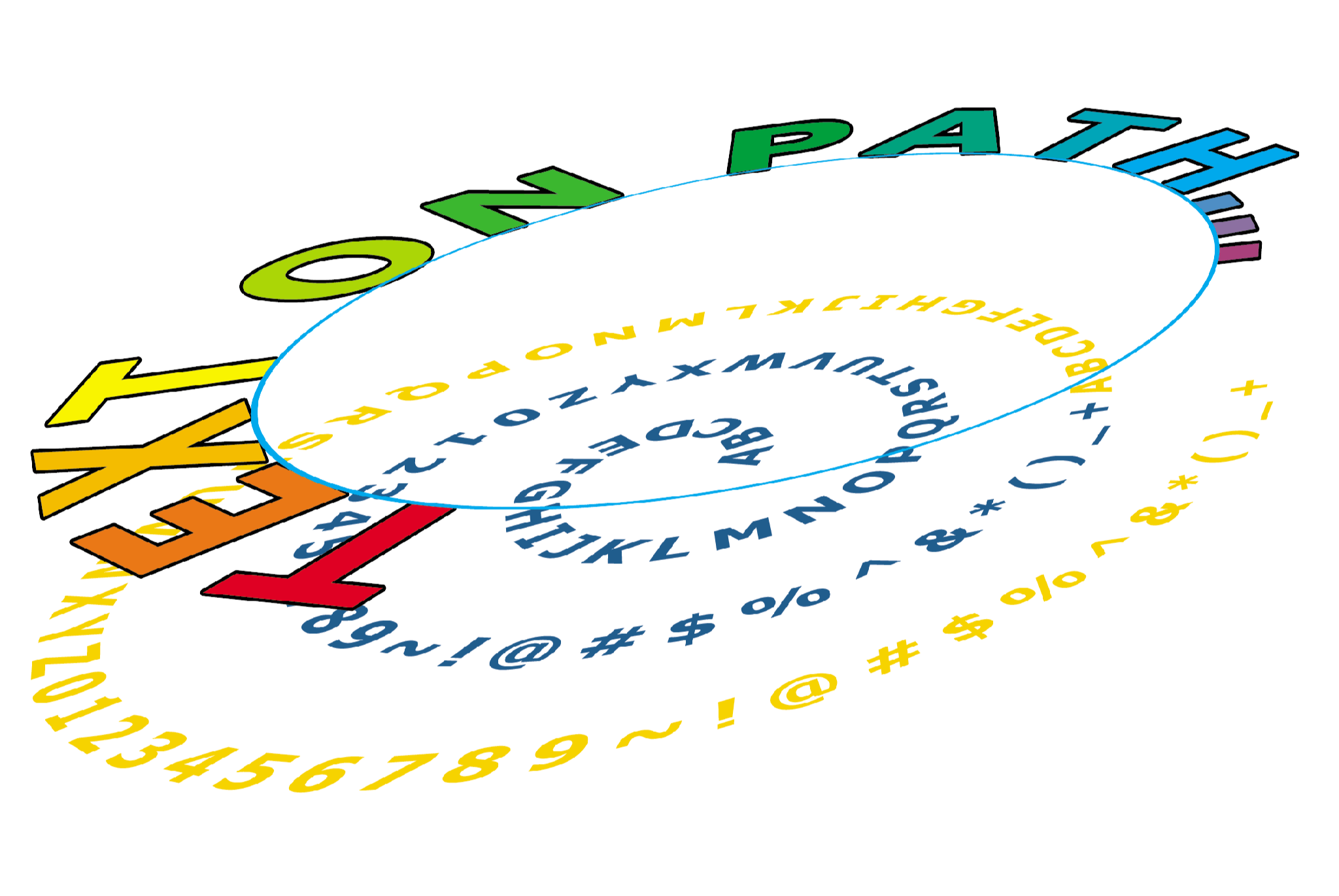
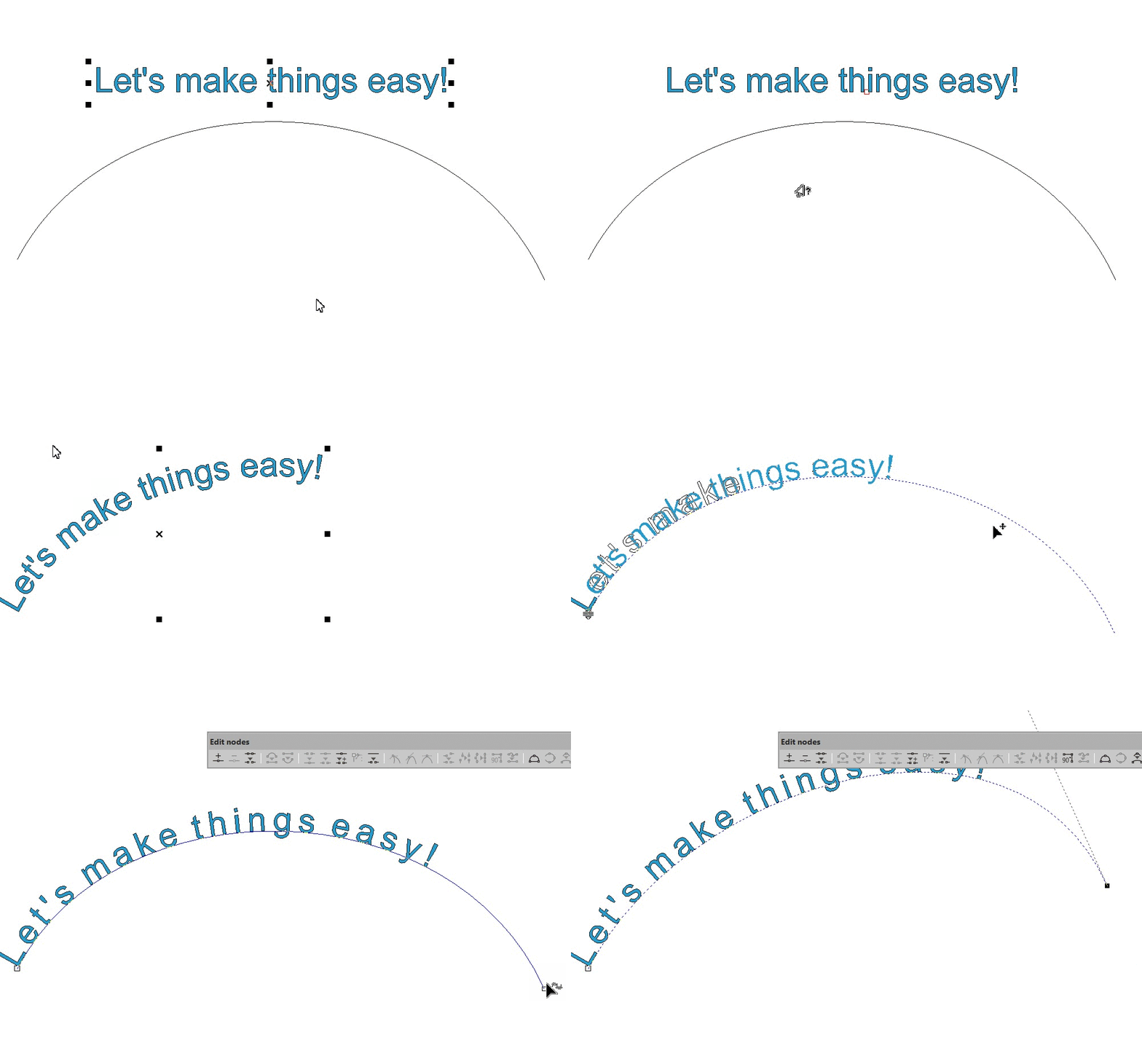
No more worries about your text when you change a shape! In EasySIGN, you can easily place text on any path. The text will automatically follow the the path when you change your shape.
How?
Text > Place text on path
Easily adjust the path and text distance with the drag tool, use the text tool to align the text, or use any of the options in the Text menu to reverse the direction and rotate characters.
For text at the bottom of a circle, users can select the text-on-path object and use Text → Reverse path direction so the text remains readable from the outside of the circle.
You may also like

Color Management
Color management is the controlled (color space) conversion between the color representations of various color devices (such…
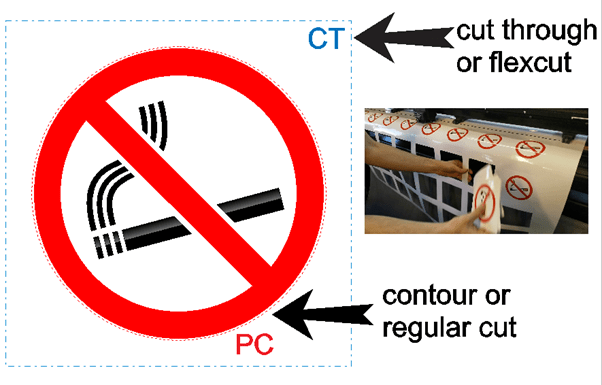
FlexCut
FlexCut is an included feature that is available on all Summa vinyl plotters, the S One Series,…